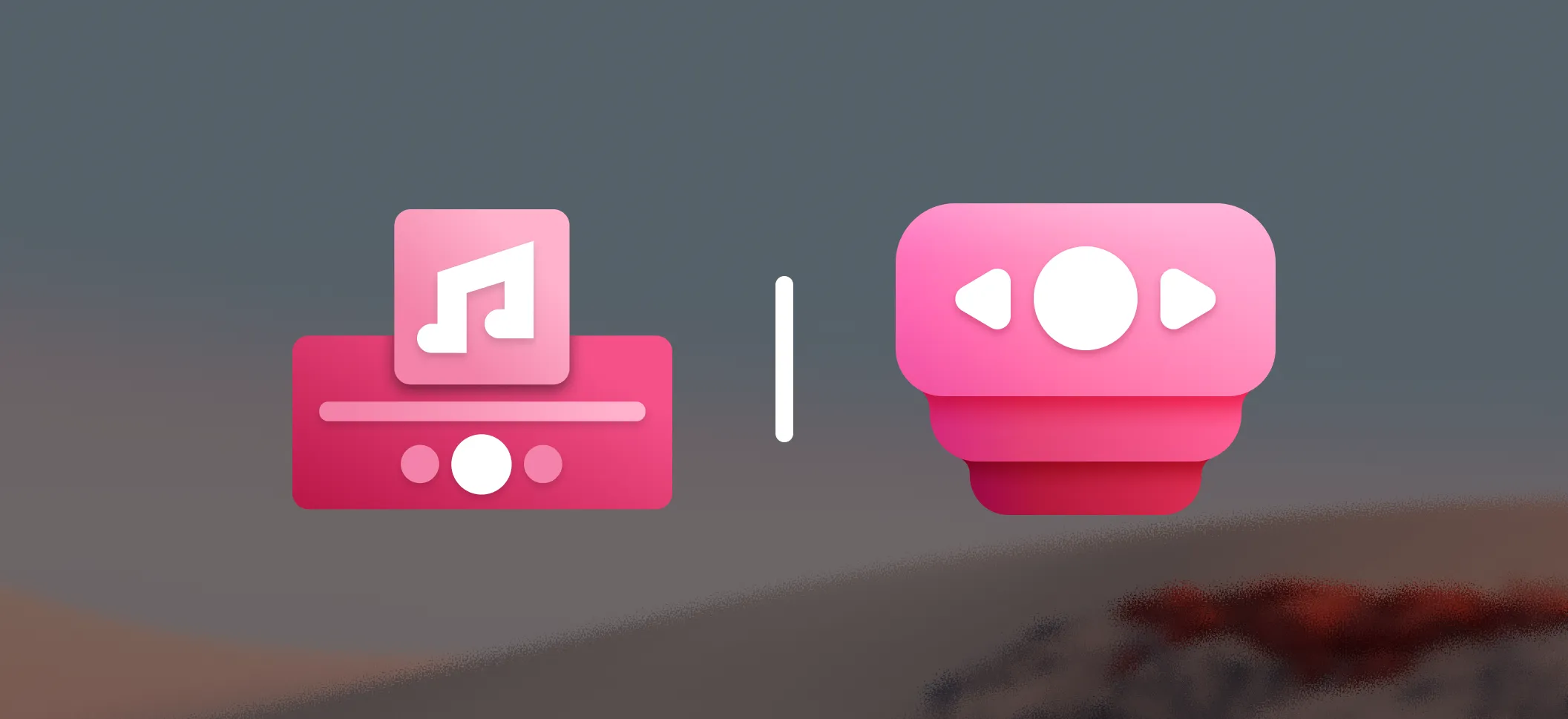
Today we’re unveiling the new logo for FluentFlyout. This update reflects how far we’ve come since our initial release and where we’re headed.
Why We Rebranded
When FluentFlyout first launched, I was focused on building a polished and functional media flyout experience. The original logo reflected that vision — a design aimed towards a media flyout aesthetic. However, as we’ve evolved, our scope has expanded far beyond just media controls: we now support a wide range of flyouts, and more recently even taskbar widgets.
We’ve just recently reached the 100K downloads milestone, and with that growth came a need for a more modern and recognizable brand identity. Our old logo started to feel a bit dated: it didn’t work well at smaller sizes, it didn’t reflect our vision anymore, and it didn’t capture the feel of the Fluent Design 2 aesthetic Microsoft has recently been pushing, especially with Office.
The Design Process
Before I started sketching, I revisited the core principles of FluentFlyout: clean, modern, and aligned with Fluent Design 2. I wanted a logo that would look great in the system tray, on the website, and in the taskbar. Furthermore, it was important to aim for something more similar to the Fluent Design 2 aesthetic, and keeping the reddish/pinkish theme that we’ve had in the old logo.
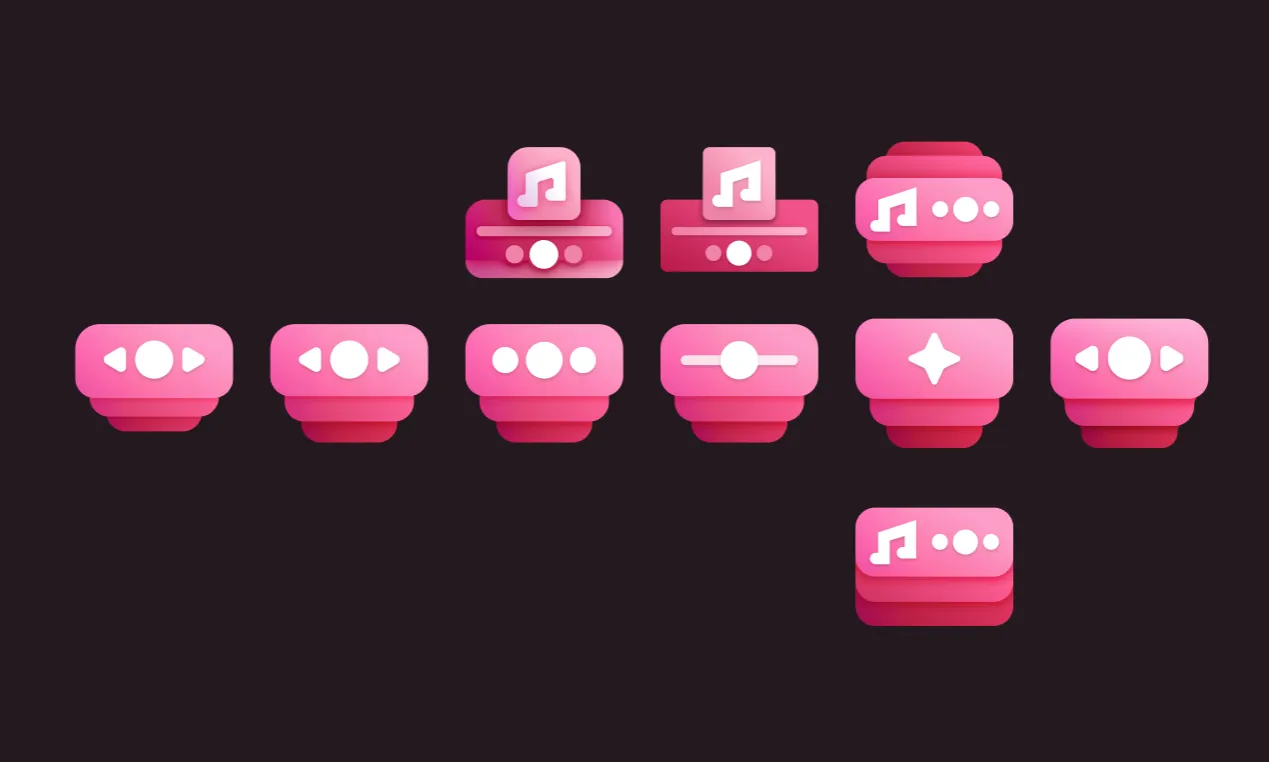
Experimenting with different shapes and styles, I explored various concepts. I had quickly realized that the old logo’s shape was too complex to modernize effectively, so I focused on re-imagining how we can visually convey the idea of flyouts in a more abstract and stylized way.
The final design (on the right) envisions this clearly, while incorporating a simpler and more modern look — especially on smaller scales. The new logo features a simplified shape with stronger focus on colors, gradients, elevation, and curves, giving it a more dynamic feel and aligning it better with where Microsoft is heading as well.
We’re also keeping the central controls motif from the old logo, but it’s been stylized to look more like controls on a widget.
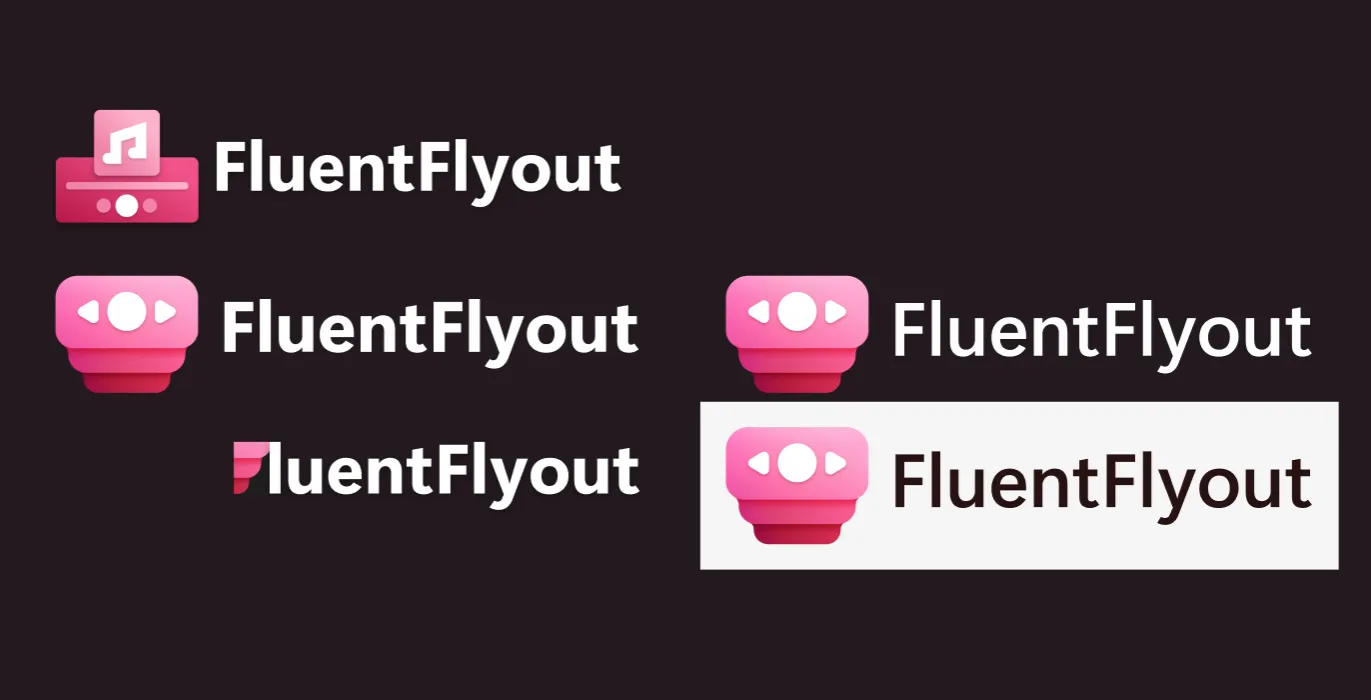
As our app is maturing, it’s important that our branding reflects the quality of the product. The font weight and padding in the branding title were refined to ensure the logo looks cleaner and more balanced. This time, it also looks great against a white background, while the old branding only really worked on dark backgrounds.
Old vs. New
What This Means
The new logo will be rolled out across our app, website, and promotional materials in the coming weeks. You may see both versions temporarily. I hope this new look resonates with our users and reflects the direction FluentFlyout is heading towards!
What’s Next
This rebrand is just the beginning. You might have noticed that our website has also received a visual refresh as well! Some exciting new features and improvements are almost ready — some of which have been highly requested by the community, such as:
- Volume & Audio Mixer Flyouts
- An option to match UI accent colors to the current album art color
- More customization options for the Taskbar Widgets and Lock Key Flyouts
Thanks to everyone for your continued support and feedback. I’m incredibly grateful for reaching the 100K downloads milestone and for the amazing community we’ve built around FluentFlyout!