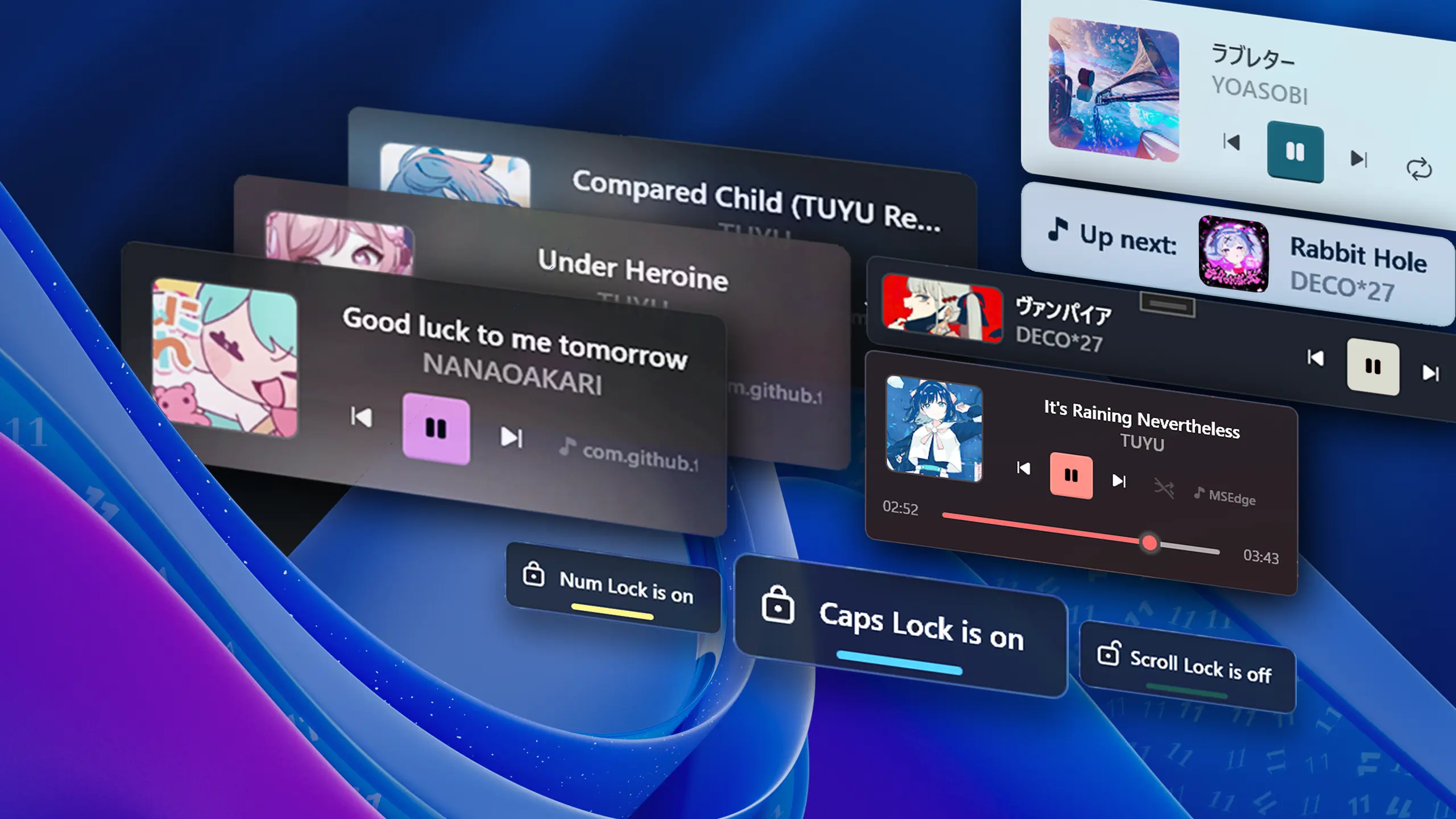
Major Update
Update 2.4 - Taskbar Widget Buttons & More
📝 Changelog
Taskbar Widget updates:
- ⏯️ Added a new setting to enable new Taskbar Widget Media Controls buttons
- 🎨 Added a new setting to enable new subtle animations when a new song shows up
- The Taskbar Widget will now automatically align next to the native widget if the setting is enabled, enabling support for left-aligned taskbars
- If the artist name is empty, the title text will now be centered
- Improved cover alignment
- Other improvements and optimizations to the widget
Other updates:
- Added debug/error logging to
%AppData%\FluentFlyout\ - 🎉 Windows 10 compatibility — FluentFlyout will now fully work on Windows 10, expect less visual issues (updated MicaWPF package version to 6.3.2)
- Updated settings window UI
- Attempted to fix text overlap issues on the Lock Keys flyouts
- Updated translations (thanks to @genotypePL, @maksymser, @ysfemreAlbyrk, @Xshadow9, @CC-D-Y, @weiss-rn, @logounet, @Pigeon0v0, @Aris-Offline, @Ste3798, @Nikolai-Misha, @xsm2 and others on Weblate!)
- Full Changelog: https://github.com/unchihugo/FluentFlyout/compare/2.3.5...v2.4.0
❤️ Code Contributors
@Simnico99, @unchihugo on GitHub