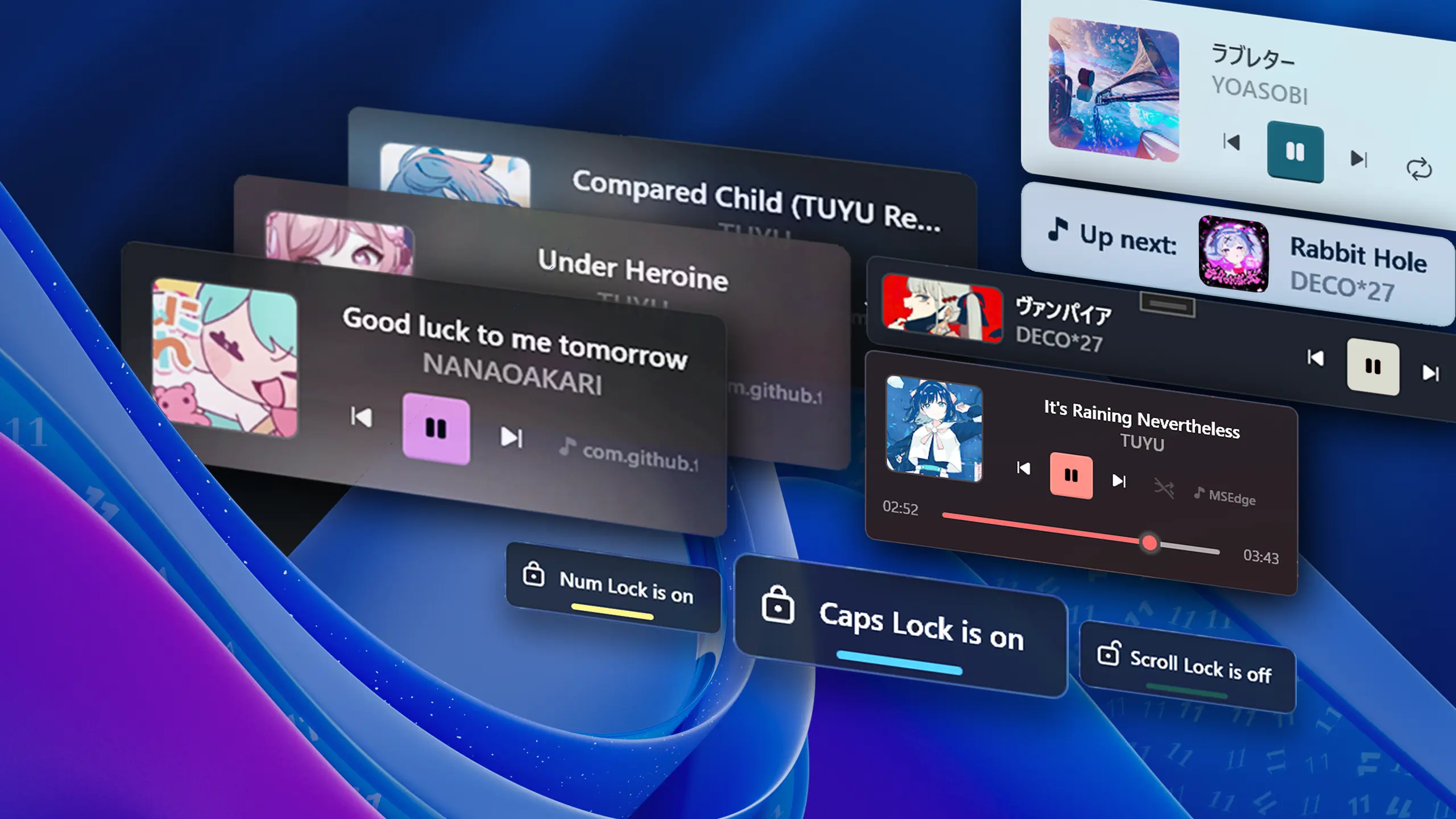
FluentFlyout Background

Changelog

The latest updates and changes to FluentFlyout

Major Update

Update 2.8 - New Features, QoL changes & Fixes!

❤️ I'd like to thank every contributor for their work on improving FluentFlyout — I really appreciate it, and it's because of you that we've reached the 100K+ installs milestone! 🎉

📝 Changelog

New settings:

  • 🔊 Audio Visualizer Peak Threshold — Added a new option in Settings > Taskbar Visualizer to adjust how loud audio must be for the bars to reach their maximum height. If you tend to play media loudly or softly, you can try adjusting this setting.
  • ⚙️ Close Flyout on Second Click — Added an option to close the Media Flyout when clicking the Taskbar Widget while it's displayed, available in Settings > Taskbar Widget > Close Flyout on Second Click
  • 💾 Import/Export Settings — Added Import/Export functionality for settings and configurations in Settings > System
  • ⚙️ Taskbar Widget Media Buttons Position — Added a setting to display the media buttons on the left or right in the Taskbar Widget

Other updates:

❤️ Code Contributors

@DmitriySalnikov, @FaroJoaoFaro, @Hikaru11747, @mak7im01, @unchihugo, @weblate on GitHub

Minor Update

Update 2.7.2 - Taskbar Visualizer Updates

📝 Changelog

  • 🎛️ Fixed Taskbar Visualizer not adapting to output device changes, resulting in having to restart the program to get the visualizer capturing audio again. Also added additional information and a way to change listening output device in Settings > Visualizer.
  • ⭐ Fixed Taskbar Visualizer not respecting the bars amount option on startup
  • Fixed Taskbar Visualizer bars' corners not correctly rounding with smaller bars
  • Fixed 'Open Logs' incorrectly pointing to the Documents folder on Microsoft Store versions
  • Improved update version check
  • Full Changelog: https://github.com/unchihugo/FluentFlyout/compare/v2.7.1...v2.7.2

❤️ Code Contributors

@unchihugo on GitHub

Minor Update

Update 2.7.1 - Hotfix Update

📝 Changelog

❤️ Code Contributors

@unchihugo on GitHub

Major Update

Update 2.7 - New Taskbar Visualizer!

Two taskbars with FluentFlyout's Taskbar Widget and Visualizer

📝 Changelog

  • ⭐ Introducing Taskbar Visualizer: A new, performant real-time audio visualizer widget on your Windows Taskbar next to the Taskbar Widget, with customization options for premium users!
  • Exclude Volume Keys from triggering Media Flyout: A new option in Settings > Media Flyout to disable the flyout from displaying when pressing volume up/down/mute
  • Added a new toggle in Settings > System to disable update available notifications
  • More stability improvements to the Taskbar Widget
  • Fixed issue with certain computers where the taskbar widget was placed too high
  • Contributors are now listed in Developer and Translator sections in the About page
  • Redesigned/updated some UI elements in the Settings window

Localization

❤️ Code Contributors

@3mr9, @mclt0568, @neegool, @tnhung2011, @unchihugo, @weblate on GitHub

Minor Update

Update 2.6.1 - Bug Fixes

📝 Changelog

❤️ Code Contributors

@DmitriySalnikov, @unchihugo, @weblate on GitHub

Major Update

Update 2.6 - Major Settings UI Overhaul

Image of new Settings UI

📝 Changelog

  • ⚙️ Major Settings UI overhaul: A fresh, new multi-page settings UI for easier navigation and a more modern feel!
  • 🪟 Acrylic Blur Opacity setting: Adjust the Acrylic background blur to be more or less see-through for acrylic-enabled windows (in Settings > System, premium-only)
  • Added update checking and notifications upon startup in Settings > Home
  • Added an About section in settings with a list of all contributors that have helped developing FluentFlyout and open-source license information
  • Fixed issue with 2-in-1 computers where the taskbar widget is placed too high
  • Further Taskbar Widget optimizations to make it more stable
  • Fixed taskbar freezing/crashing when moving tray icons
  • Fixed Right-to-Left languages' UI resetting back to Left-to-Right upon quitting FluentFlyout
  • Minor adjustments to UI accent colors to match Windows 11 more closely
  • Fixed Taskbar Widget background blur not rounding
  • Update translations (thanks to @tnhung2011, @VolodymyrBryzh, @NimiGames68, @aic-6301, @oski165, @Self4215, @xsm2, @havrlisan, @FenrirXVII, @3mr9, @Ste3798, @VeryFat123, @manuelitou, @avshalombegler, @logounet and others on Weblate ❤️)
  • Full Changelog: https://github.com/unchihugo/FluentFlyout/compare/v2.5.0...v2.6.0

❤️ Code Contributors

@unchihugo, @weblate on GitHub

Major Update

Update 2.5 - Switch Monitors & Taskbar Widget improvements!

GIF of two displays with flyout and widget switching between them

📝 Changelog

  • 🖥️ Switch Monitors: Added the ability to select which monitor to display Flyouts and the Taskbar Widget!
  • 🖱️ Added Title and Artist hover tooltips to Taskbar Widget and Media Flyout, allowing you to see the full title and artist name if it's cut off

Taskbar Widget updates:

  • 🔧 Added Taskbar Widget manual custom padding setting for customized Windows taskbars
  • Fixed Taskbar Widget scaling improperly when content is long
  • Fixed Taskbar Widget positioning being incorrect in some cases
  • Fixed rare crash when right-clicking on the Taskbar Widget
  • Other under-the-hood changes to the Taskbar Widget to make it more stable

Other updates:

❤️ Code Contributors

@DmitriySalnikov, @lechixy, @unchihugo, @weblate on GitHub

Minor Update

Update 2.4.1 - Flyout & Widget Fixes

📝 Changelog

❤️ Code Contributors

@DmitriySalnikov, @unchihugo, @xsm2 on GitHub